The Lost Pages
Quest Id# 6504 · Data: WoW Forever 1.60.1 (build 70959)
Requirements
- Faction
-
Alliance Horde
- Class
- Any
- Races
- Any
 Alliance
 Horde
- Recommended Level
- 30
- Minimum Level
- 23
- Difficulty
- Red from level 23 Orange from level 26 Yellow from level 28 Green from level 33 Gray from level 38
Classification
- Type
- Normal
- Category
- Zone · Ashenvale
Where
- Zone
- Ashenvale
- Starts and ends at
Objectives
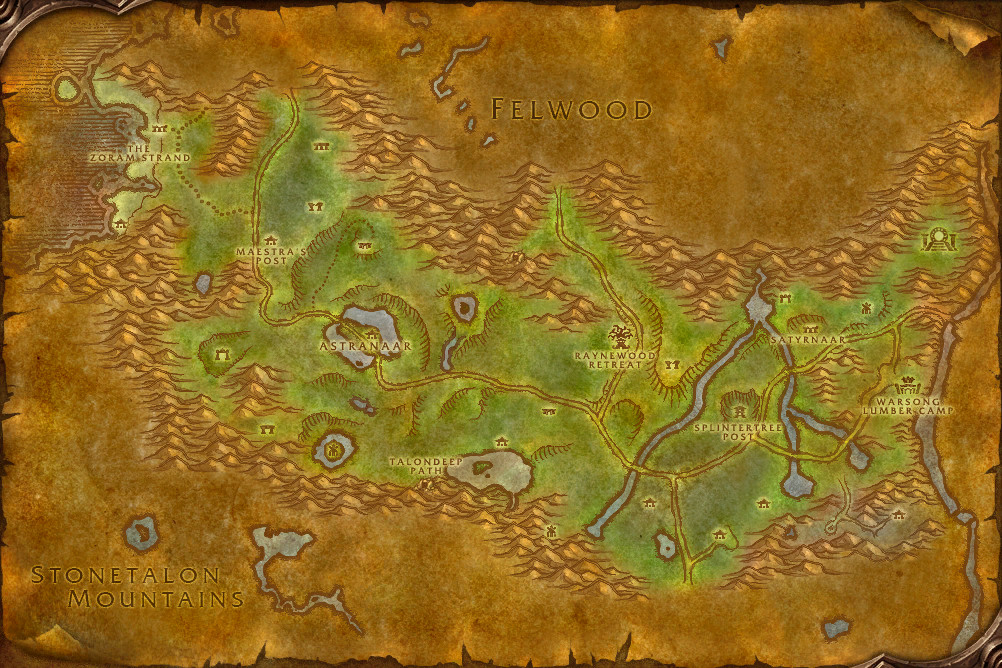
Find the 12 missing pages of the Shredder Operating Manual, and put them together to form Chapters 1, 2, and 3. Return the pages to Gurda Ragescar near Splintertree Post.

How to complete
ExperimentalWhat is wrong with these steps?
This quest's page is included automatically. Say which step is wrong or missing, and what you saw in the game instead.
You need to be logged in to send feedback. It helps prevent me from being spammed. Log in or create an account first.
Thanks — your feedback has been sent. If we need more from you, you will get a notification.
-
1
Get the quest from Gurda Ragescar
- 2
- 3
- 4
- 5
- 6
- 7
-
8
Turn it in to Gurda Ragescar

This feature is experimental. The steps are put together from the quest's objectives and what EG Link (opens in a new tab) players have recorded, so they can be incomplete or wrong. Please use the feedback button to help us identify problems.
Rewards
- Experience
- 3,650 experience, for a character of level 30
- Choose one of
- Reputation
- Orgrimmar +100 reputation


Description
I just picked up this shredder from Ratchet and I was on my way back to the Warsong Lumber Camp, where I am supposed to be on duty. I was given a manual on how to operate the shredder, but on the trip back, a huge gust of wind blew it from my hands. The pages went everywhere, and all I was left with was the cover.
The pages could be just about anywhere by now, I suppose... but I don't know how to use the shredder without them! Will you find them for me?
Have you completed the quest?
Character Tracking
Sign in to see which of your characters have completed it.
Check in-game
To see whether a character has completed this quest, log in on it and type this into the chat box:
/run print(C_QuestLog.IsQuestFlaggedCompleted(6504))
The chat box shows true if the character has completed it, false if not.