Returning the Lost Satchel
Quest Id# 5724 · Data: WoW Forever 1.60.1 (build 70959)
Requirements
- Faction
-
Alliance Horde
- Class
- Any
- Races
- Any
 Alliance
 Horde
- Recommended Level
- 16
- Minimum Level
- 9
- Difficulty
- Red from level 9 Orange from level 12 Yellow from level 14 Green from level 19 Gray from level 23
Classification
- Type
- Dungeon
- Category
- Zone · Ragefire Chasm
Where
- Zone
- Ragefire Chasm
- Gives you
- Grimtotem Satchel

- Starts at
-
Not recorded yet
- Ends at
Objectives
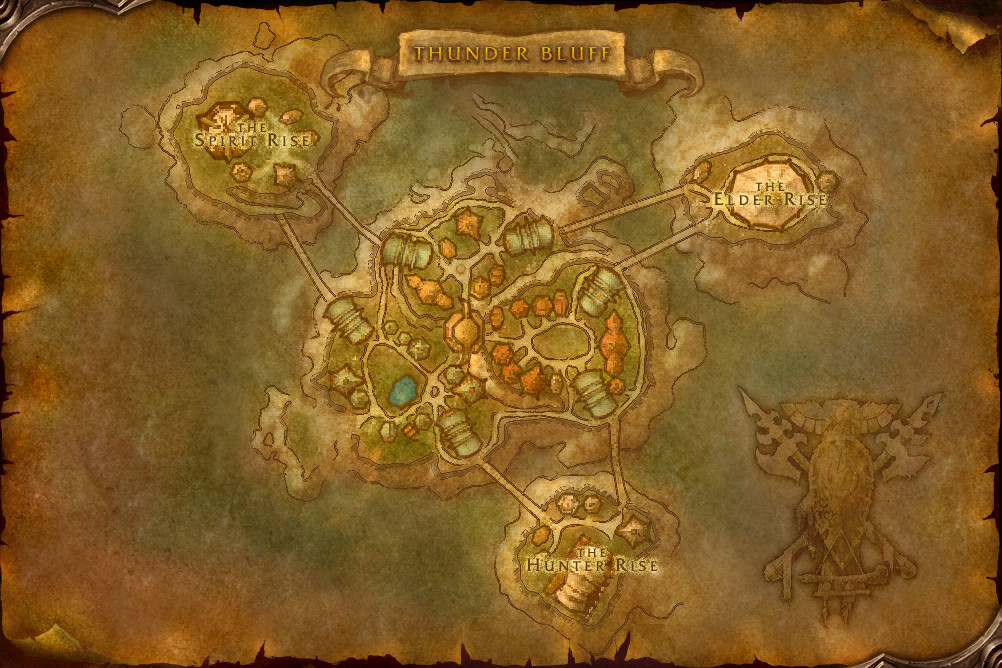
Take the Grimtotem Satchel to Rahauro in Thunder Bluff.
How to complete
ExperimentalWhat is wrong with these steps?
This quest's page is included automatically. Say which step is wrong or missing, and what you saw in the game instead.
You need to be logged in to send feedback. It helps prevent me from being spammed. Log in or create an account first.
Thanks — your feedback has been sent. If we need more from you, you will get a notification.
-
1
Accept the quest; you're given Grimtotem Satchel
-
2
Speak with Innkeeper Byula and choose “Make this inn your home.”
-
3
The quest completes here
-
4
Turn it in to Rahauro and bring Grimtotem Satchel
This feature is experimental. The steps are put together from the quest's objectives and what EG Link (opens in a new tab) players have recorded, so they can be incomplete or wrong. Please use the feedback button to help us identify problems.
Rewards
- Experience
- 2,950 experience, for a character of level 16 2.025× experience
- Choose one of
- Reputation
- Thunder Bluff +150 reputation


Description
You find a satchel under the body of the tauren. It is still gripped tightly in his arms as though he was trying to protect it while being attacked by the troggs.
Removing the satchel from his vice-like grip, you stow it with your own equipment and prepare to make your way out of the tunnels and back to Rahauro in Thunder Bluff.
Have you completed the quest?
Character Tracking
Sign in to see which of your characters have completed it.
Check in-game
To see whether a character has completed this quest, log in on it and type this into the chat box:
/run print(C_QuestLog.IsQuestFlaggedCompleted(5724))
The chat box shows true if the character has completed it, false if not.